
Receipt capture
Receipt scanning that turns a photo into an expense
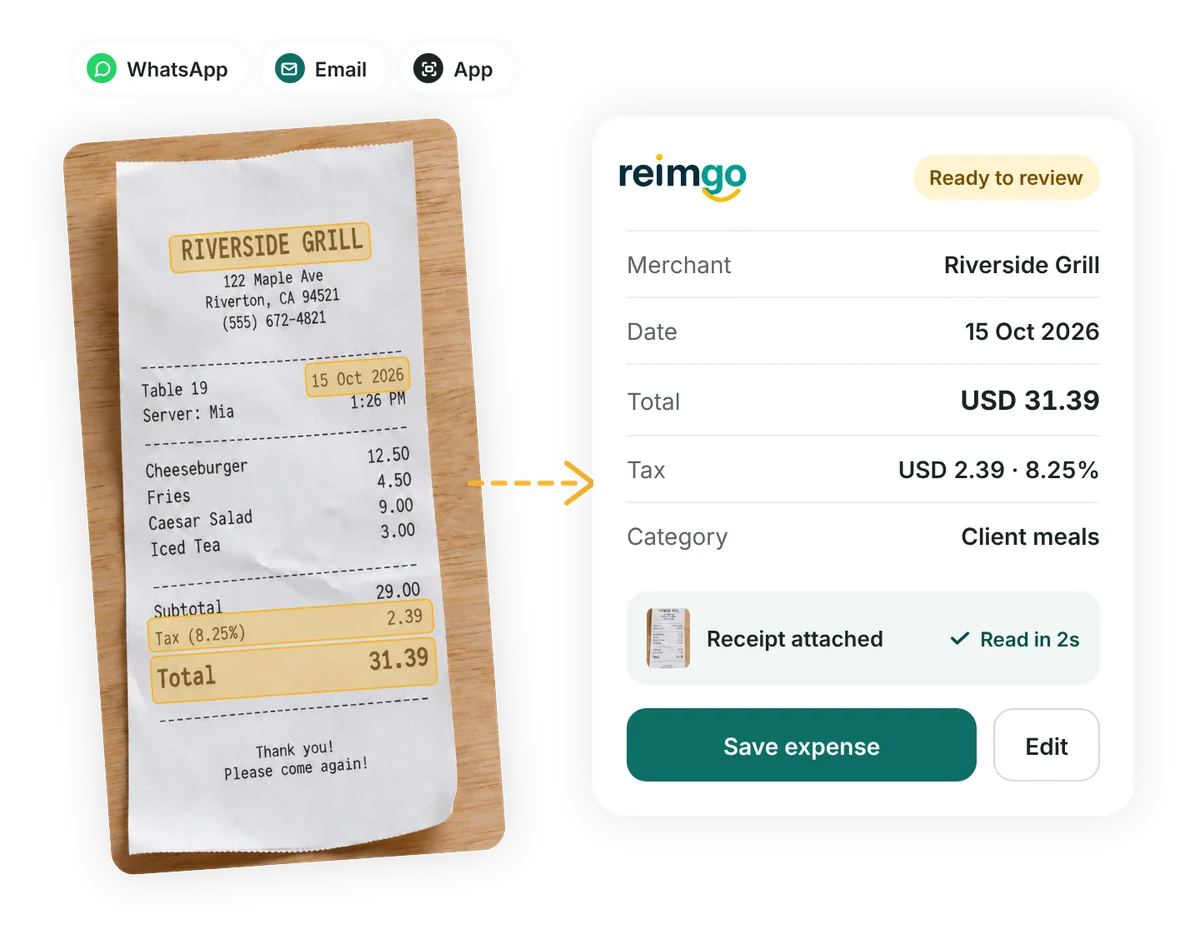
Capture receipts without typing every detail. Reimgo reads the merchant, date, amount, tax and currency from photos and PDFs sent through the app, WhatsApp or email. Employees review the draft, with the receipt already attached.
7-day free trial. No card needed. Cancel anytime.
How it works
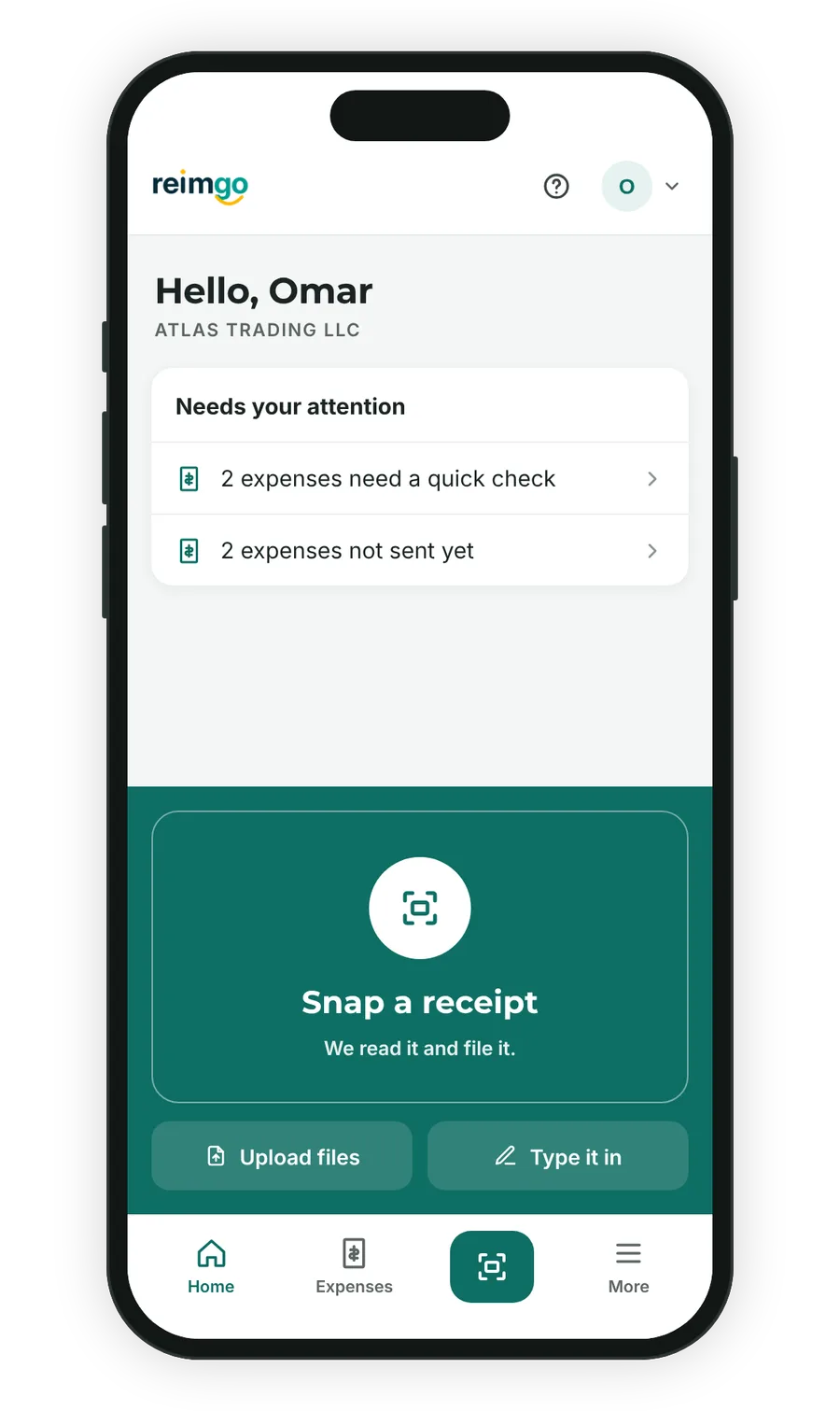
- CaptureSnap a receipt in the app, upload a photo or PDF, send it through WhatsApp, or forward it from your registered email address.
- ReadReimgo straightens the photo, then AI reads the merchant, date, amounts, tax, currency and printed line items, and suggests a category from your company’s list.
- CheckReimgo checks the amounts for inconsistencies and flags possible duplicate expenses for review.
- Review and saveEmployees check the details, make any corrections, add a business purpose, project or cost center, and save the expense.
What you get
Categories that match your business
Reimgo suggests a category from your company’s list, helping employees code expenses consistently.
Receipts in different currencies
A receipt in another currency is read in that currency and converted to your company currency at the rate on file. A different rate can be entered with a reason, and the change is logged.
Duplicate warning
A receipt with the same merchant, date and amount as an existing expense is flagged before it reaches an approver.
Receipts stay attached
Every receipt is stored with its expense and shown to approvers and finance. The expense report lists them.
Line items and splits
Line items are read when they are printed. An expense can be split across cost centers or projects by amount or percentage.
A person always reviews
The AI drafts; it never submits, approves or pays. The employee reviews every expense before it is submitted.
How receipt capture works for a field engineer
Maya is a field engineer in Austin. She pays for a client lunch with her own card, snaps the receipt in the parking lot, and Reimgo turns it into an expense: Harbor Grill, $48.20, tax $3.84, Client meals.
Watch how it reaches her manager and the October payroll without anyone retyping it.
Questions about receipt capture
How accurate is the reading?
We do not publish an accuracy figure. Printed receipts usually read well, and the employee reviews every expense before it is submitted, so a misread is corrected by a person.
Can employees forward receipts by email or send them through WhatsApp?
Yes, both, on every plan. On WhatsApp, an employee links their number once and sends a photo or PDF to the Reimgo number. By email, forward the receipt (a PDF, a photo, or an e-receipt in the email itself) to the Reimgo forwarding address shown in the app, from the address you sign in with. Either way it becomes a draft expense the employee reviews. Mail from any other address is ignored, and mail whose sender cannot be verified is refused, so nobody can add expenses in your name.
Can a mailbox rule forward receipts automatically?
No. An automatic rule usually passes the email on with the vendor as the sender, and Reimgo only accepts receipts sent from your own sign-in address. Forward them yourself, or use WhatsApp or the app.
What happens to the photo?
It is stored privately with the expense and shown to approvers and finance. A straightened, cropped copy is kept alongside the original.
Does it read handwritten receipts?
Partly. Printed receipts read well; handwritten ones are often read in part, and the employee fills in the rest.
Is the receipt content used to train anything?
No. The receipt is sent to our AI provider only to be read, and its content is treated as data, never as instructions. Reimgo sends the receipt and your category list with it, not bank details or salaries.
Capture your first receipt with Reimgo
Start the 7-day free trial, then snap, upload, send or forward a receipt and review the draft.