
For expense approvers
Expense approvals for managers: everything you need to decide on one screen
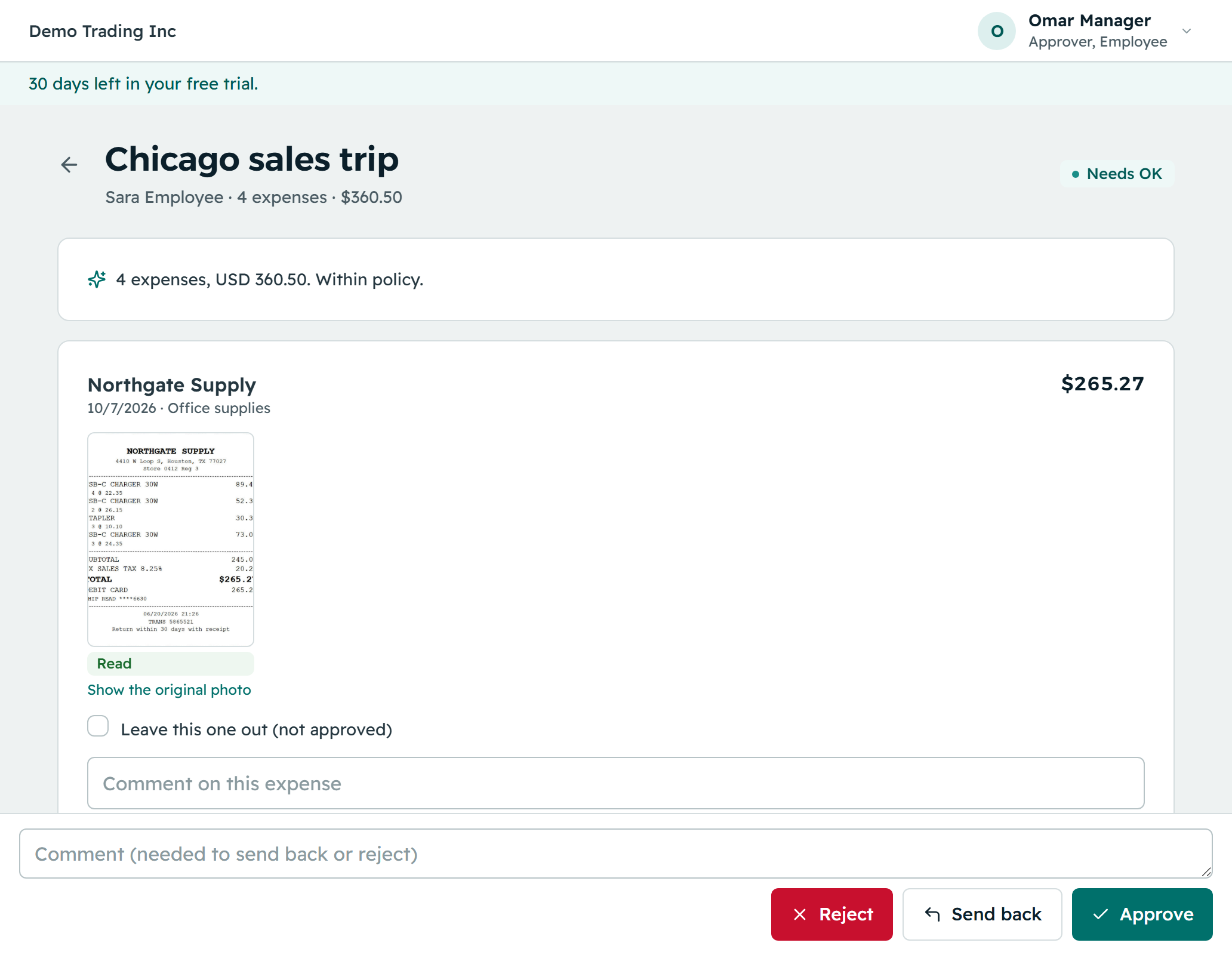
Reimgo is for managers who approve their team's expense reports. You see the total, each line, each receipt and any policy warning in plain words, then approve or return it with a note, on your phone.
7-day free trial. No card needed. Cancel anytime.
What an approval looks like
- An email, with the totalWho submitted, how much, and a link. No attachments to open.
- One screenLines with amounts, receipts one tap away, policy warnings on the lines that need a look.
- DecideApprove, or return with a note that the employee sees. You never edit the figures.
- DoneThe report moves to the next step or back to the employee. Your decision is in the history.
Built for people with other jobs
Only what is yours
Your queue shows reports routed to you. Finance checks everything last, so you are not the last line.
Warnings do the policing
Limits, receipts and deadlines are checked before the report reaches you. You decide the exceptions.
Delegate when away
Hand your approvals to a colleague for a period. Both names stay on the record.
Reminders, not nagging
A report that waits gets a reminder and can then escalate. Your admin sets how many hours each takes.
Your team's spending
See what your people spend by category or month, and the expenses behind it.
Not your own
Your own reports go to someone else. Self-approval is off unless your company allows it while nobody else can approve.
Questions approvers ask
Can I approve several at once?
Yes. Select reports in the approvals list and approve them together; reports with policy warnings must be opened one by one.
Can I ask a question without returning the report?
Yes. Add a comment to the report; the employee sees it there and it stays in the history.
What if I am on vacation?
Set a delegation for the dates. Reports route to your delegate, and the record shows both names.
Can I approve from the email or from WhatsApp?
No. Approvals happen in Reimgo; the email links to the report, which opens on your phone.
Stop re-keying expense reports next month
Set up in minutes. Invite your team, approve a report, prepare the payroll file.