
Receipt management
Every expense. Its receipt. Together.
Keep receipt photos and PDFs attached to the expenses they support. Employees, approvers and finance see the same supporting documents, from the first review to the expense report PDF. Find the receipt you need without asking anyone to send it again.
Every receipt stays with its expense. 7-day free trial, no credit card required.
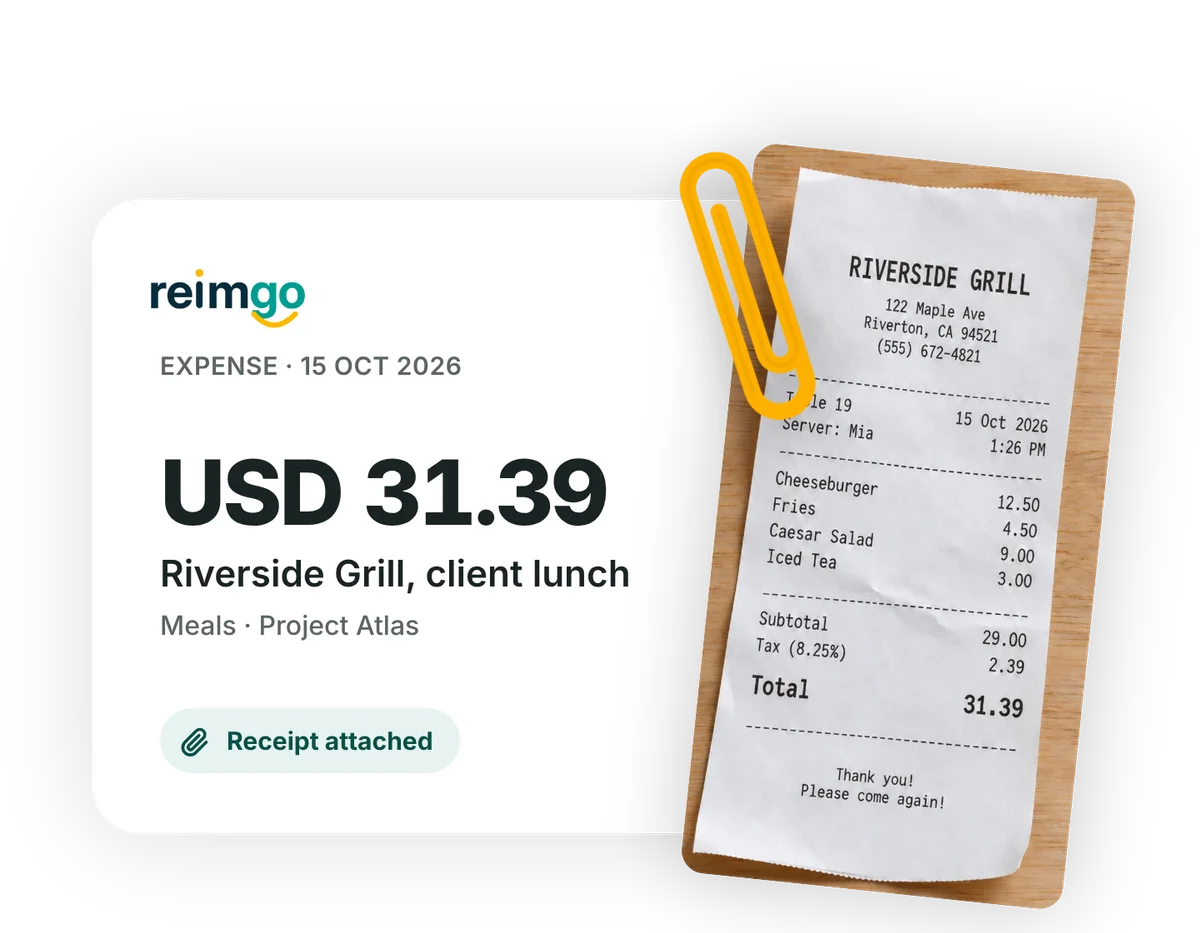
Keep receipts organised from capture to review
- Attach receipts as expenses are createdCapture a receipt in Reimgo and it stays linked to the draft expense. For expenses typed in by hand, employees can add the supporting document later.
- Keep the original availableReimgo straightens and crops receipt photos so they are easier to review. The original is kept, so employees can switch back whenever they need it.
- Review the receipt alongside the expenseApprovers and finance open the supporting document straight from the expense, with the amount and details beside it when they check a claim.
- Download reports with their receiptsThe expense report PDF includes the report's receipts, so the expense details and the supporting documents travel as one file.
Keep the supporting documents behind every claim
Photos and PDFs in one place
Upload JPEG, PNG, HEIC or PDF files, up to 10 MB each. Receipt photos and digital documents stay attached to the expense they belong to.
More than one receipt per expense
Attach several documents when a claim needs them. A hotel folio and the card payment receipt can sit together on the same expense.
Access for the people who need it
Employees see their own receipts. Approvers and finance see the receipts for the expenses they are allowed to review.
Records you can come back to
Revisit a receipt when answering an employee's question or checking an earlier report. Receipts are kept for the life of the account.
Three ways in. One place to keep them.
However a receipt arrives, it becomes part of a draft expense and stays attached through submission and approval.
Send a receipt photo or PDF to the Reimgo number. Reimgo replies with what it read and saves a draft expense.
Explore WhatsApp captureIn the app
Snap a receipt, upload a photo or PDF, or add one to an expense typed in by hand.
Explore the mobile appForward a receipt from the address you sign in with. It arrives as a draft expense with the file attached.
Explore receipt scanningQuestions about receipt management
What is receipt management software?
Software that stores, organises and retrieves the receipts behind business expenses. Reimgo keeps receipt photos and PDFs attached to the expense records, so employees, approvers and finance review the supporting documents together.
Can we download receipts with an expense report?
Yes. Each expense report PDF includes the receipts attached to that report. A bulk archive of all receipts across the company is not part of the product today.
Does Reimgo keep the original receipt photo?
Yes. The cleaned copy is shown by default and the original is kept alongside it. Employees can choose the original if the crop missed something.
Can we attach more than one receipt to an expense?
Yes. An expense can carry several supporting documents, for example a hotel folio and a separate payment receipt.
Which receipt formats are supported?
JPEG, PNG, HEIC and PDF files, up to 10 MB per file.
Can employees forward receipts by email?
Yes. Employees forward the receipt email from the address they sign in with to the forwarding address shown in the app. Reimgo creates a draft expense with the receipt attached for them to review. Mail from any other address is ignored.
Who can see an employee's receipts?
Employees see their own receipts. Approvers and finance see receipts for the expenses their permissions allow them to review.
How long are receipts kept?
For the life of the account. After a subscription ends the account becomes read-only and receipts stay viewable.
Keep your next receipt where finance can find it
Start your free trial, capture a receipt and see how it stays with the expense through review and approval.